Steps To Merge List Entries in QuickBooks Desktop in 2025
Step-by-step guide to merging list entries in QuickBooks Desktop for better data accuracy and cleaner reports.
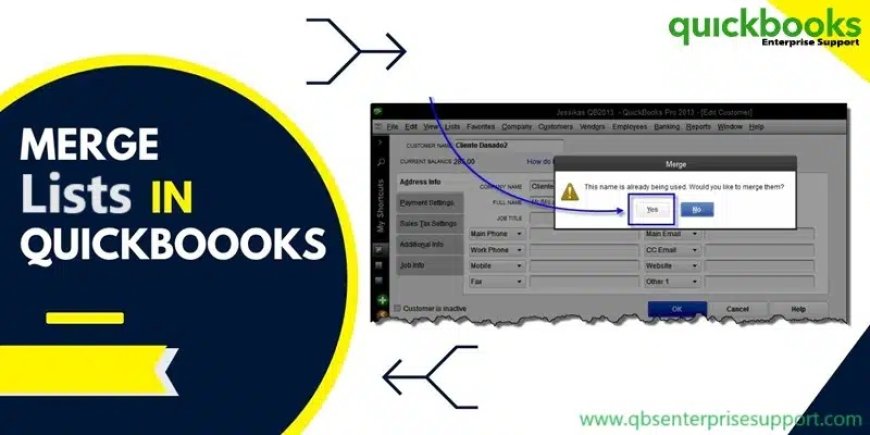
QuickBooks desktop is an application where businesses manage their finance and account by their wondering tools. But there is a time came when your financial data will become more and more complex. Then its difficult to maintain record in complex situation, some duplicate entries in lists can clutter the records and cause inaccuracy in reports. In this complication QuickBooks desktop gave a solution to the user of merging. With the help of merging list entries in QuickBooks Desktop can help streamline the data and maintain the accuracy of reporting.
In this segment we learn how to merge list entries in QuickBooks desktop. With the help of merging list it can help to make the accuracy of list without any duplicate entries.
Pre-merge considerations
Here are some pre-merge consideration which you keep in mind before merging the list of entries.
When you are going to merge list of entries then you must check you are updated with latest version of QuickBooks desktop. This will help you in preventing with any compatibility issues.
Before making any changes with the list and data ensure that you have create proper backup of Company file data in QuickBooks Desktop for Windows. The list cannot be reversed once it has been merged.
QuickBooks needs to be switches as single user mode and company file should be accessed.
Review all the list of entries that you are going to merge.